Innioasis Y1 and Y2
Y2 Themes (stock firmware)
These are personally created themes (by Neither-Classic2058 on Reddit) for the Innioasis Y2 media player. They are free to use. To use the resources listed here:
- Click on the download button. This will open a new browser window with the download page for the theme. Click on the download button in the upper-left corner.
- Unzip the file. The theme will be downloaded as a .zip file. Unzip the file. A folder will be created with the theme's name. (how to unzip depends upon your computer's operating system.
- Connect the Y2 to your computer. Using the USB-C cable, connect the Y2 to your computer. The Y2's internal storage should appear as a drive letter (for example: E:)
- Open the "Themes" folder. In that drive, open the Themes folder. There should be a sub-folder for each theme you currently have installed on the Y2.
- Copy the theme to the Y2. Drag and drop the folder that was created when you unzipped the file onto the "Themes" folder on the Y2.
- Disconnect the Y2 and load the theme. Safely disconnect the Y2 from your computer and on the Y2, go to Settings -> Theme and select the theme you just downloaded.
Showcased theme
  |
Cupertino2A theme inspired by the iPod Classic. The textures and color palette are intended to mimic the iPod but because of the limitations of the Y2's stock firmware theme support, it is not possible to accurately replicate it. The font in this theme was chosen to maximize the amount of information that is visible and not intended to match iPod's font. This theme is designed so that the desktop wallpaper can be swapped for another image and not break the look. |
 |
|
Y1 Themes (stock firmware)
These are personally created themes (by Neither-Classic2058 on Reddit) for the Innioasis Y1 media player. They are free to use. To use the resources listed here:
- Click on the download button. This will open a new browser window with the download page for the theme. Click on the download button in the upper-left corner.
- Unzip the file. The theme will be downloaded as a .zip file. Unzip the file. A folder will be created with the theme's name. (how to unzip depends upon your computer's operating system.
- Connect the Y1 to your computer. Using the USB-C cable, connect the Y1 to your computer. The Y1's internal storage should appear as a drive letter (for example: E:)
- Open the "Themes" folder. In that drive, open the Themes folder. There should be a sub-folder for each theme you currently have installed on the Y1.
- Copy the theme to the Y1. Drag and drop the folder that was created when you unzipped the file onto the "Themes" folder on the Y1.
- Disconnect the Y1 and load the theme. Safely disconnect the Y1 from your computer and on the Y1, go to Settings -> Theme and select the theme you just downloaded.
Showcased theme
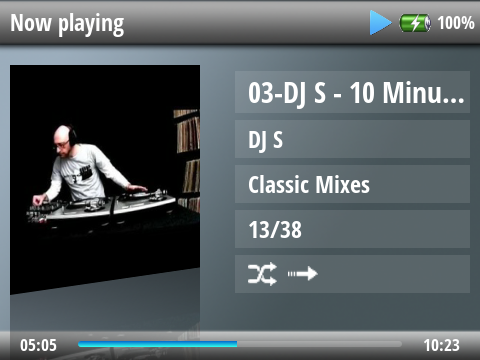 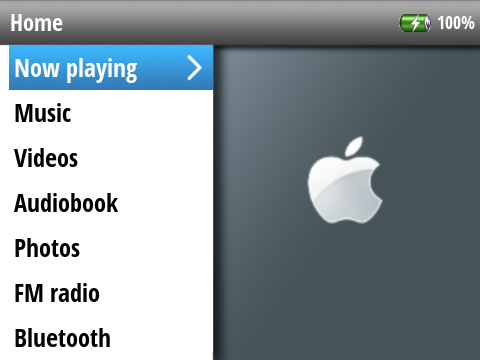 |
Cupertino (supports 3.0.7)A theme inspired by the iPod Classic. The textures and color palette are intended to mimic the iPod but because of the limitations of the Y1's stock firmware theme support, it is not possible to accurately replicate it. The font in this theme was chosen to maximize the amount of information that is visible and not intended to match iPod's font. This theme is designed so that the desktop wallpaper can be swapped for another image and not break the look. |
|
|
New theme
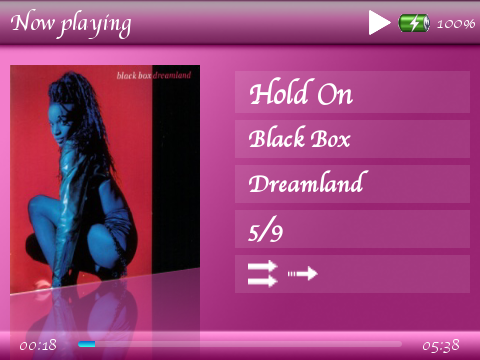 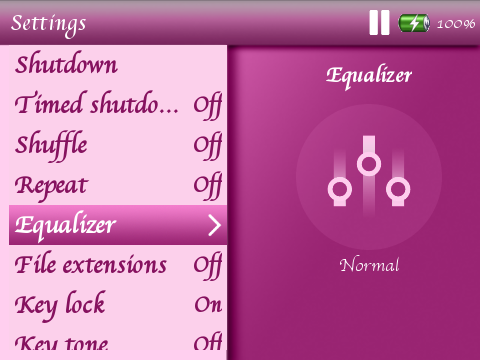 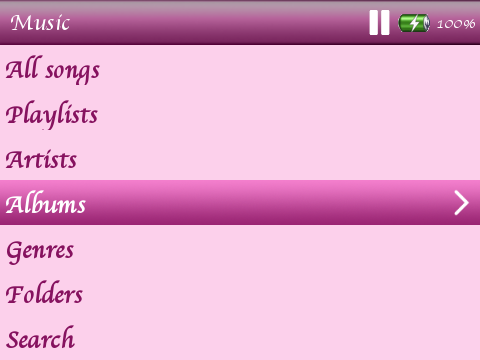 |
PinkMartiniThe theme is a pink variation of Cupertino. It includes color-coordinated menu icons. 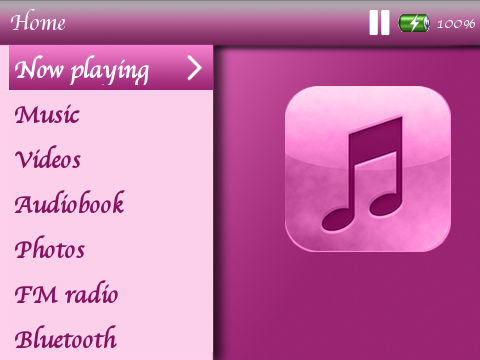
|
|
|
Popular themes
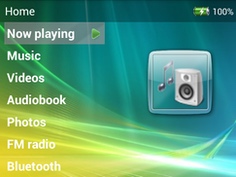 |
Aero (supports 3.0.7)Aero theme based on Windows Vista |
|
|
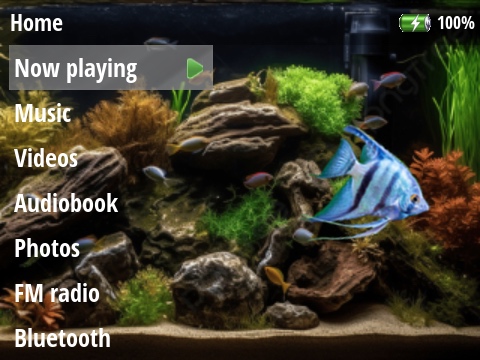 |
AquariumAn aquarium for your Y1. The angelfish moves as you use the scrollwheel. |
|
|
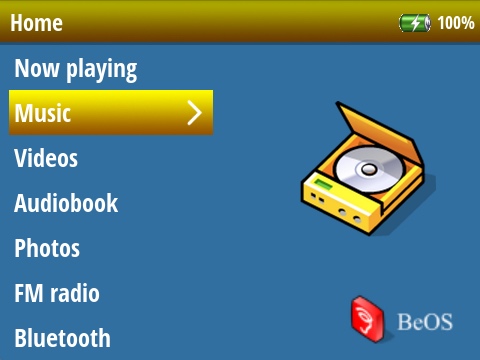 |
BeBeOS comes to the Y1 |
|
|
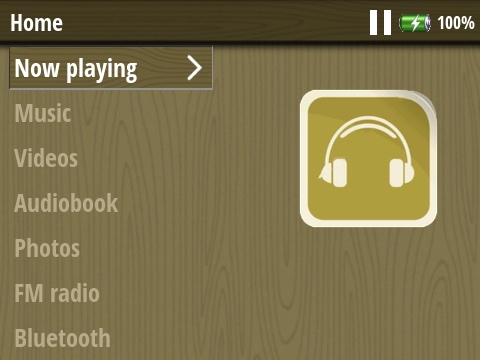 |
CabinFeverA chill vibe theme for those times you just want to stay inside. |
|
|
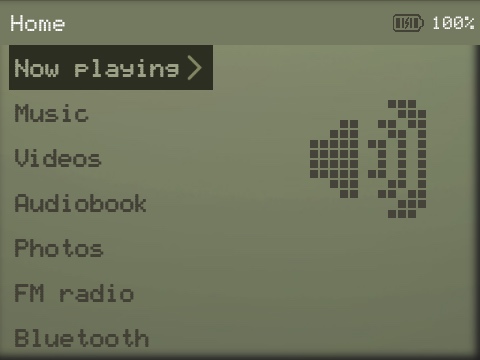 |
ElsieDThis is a total conversion theme to mimic a dot-matrix LCD screen. All settings icons have been created to keep the look consistent. |
|
|
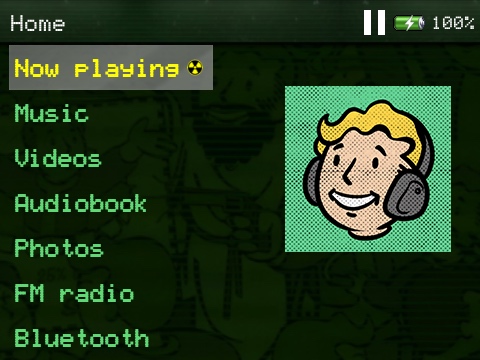 |
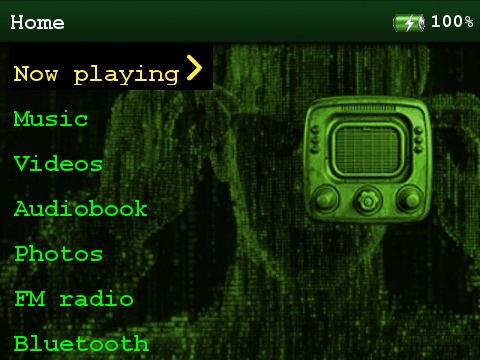
FalloutA quick and dirty Fallout-inspired theme when it's time to run to the bunker. |
|
|
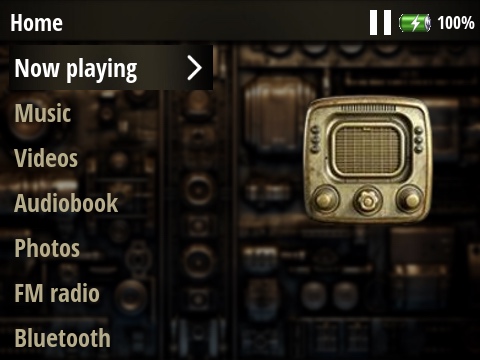 |
JulesVerneA steampunk theme when the future looked better in the past. |
|
|
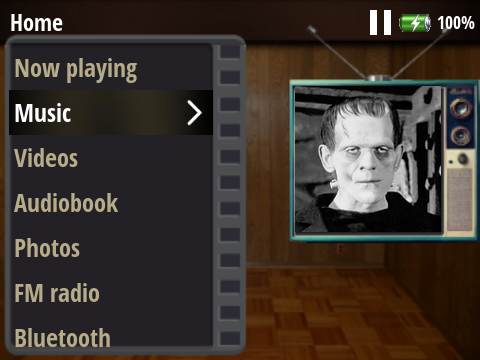 |
MonsterVisionThis is a throwback theme to the 1970's and 80's before internet streaming when horror movies were watched on TVs in the living room or family room. |
|
|
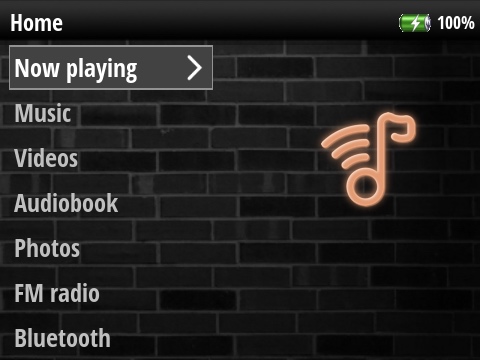 |
NeonNightsA darker, moodier nightclub theme. |
|
|
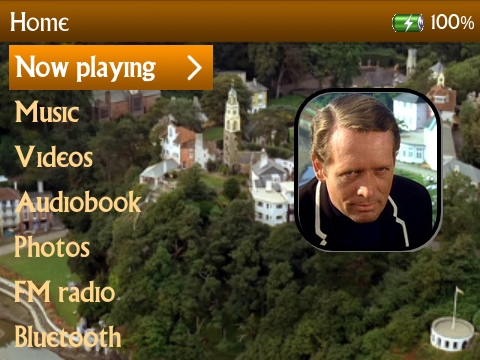 |
The PrisonerA theme capturing the characters and locatioins of the 1960's cult classic TV show. Be seeing you! |
|
|
 |
RudyA fun holiday theme based on the characters from Rankin-Bass' Rudolph the Red-nosed Reindeer. You don't need to want to be a dentist to use this theme! |
|
|
|
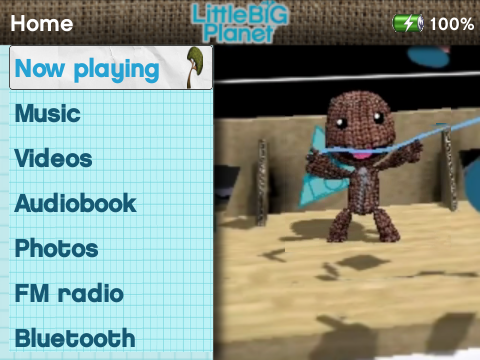
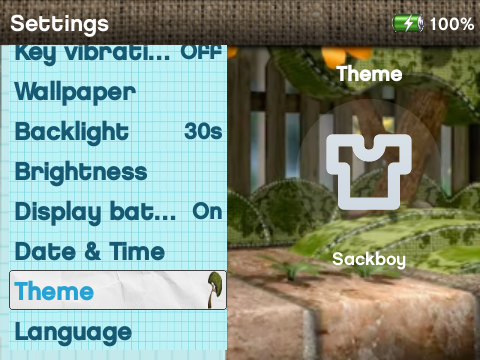
SackboyA fun theme using the style and images from the Little Big Planet video game. It turns your Y1 into a sackboy fidget spinner!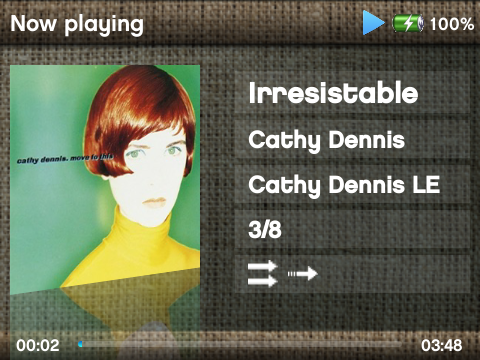 |
|
|
 |
TheMatrixTime to enter the Matrix. |
|
|
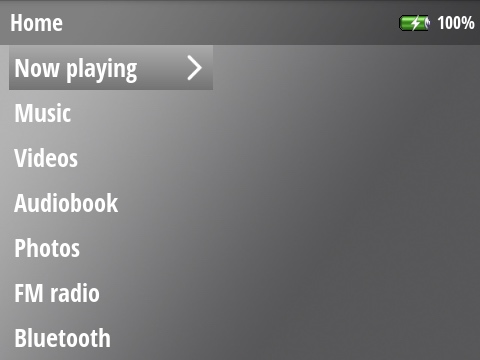 |
ThemelessA theme without a theme to let wallpaper images take the focus. |
|
|
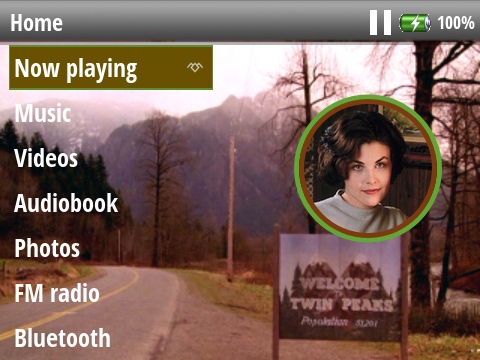 |
TwinPeaksThis theme depicts some of the memorable and quirky characters from the original series. |
|
|
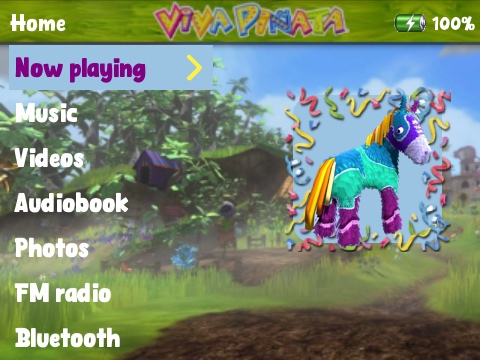 |
VivaPinataA lighter theme for a happier place. |
|
|
 |
WoodstockA theme that tries to capture the vibes of the Summer of Love that was 1969. |
|
|
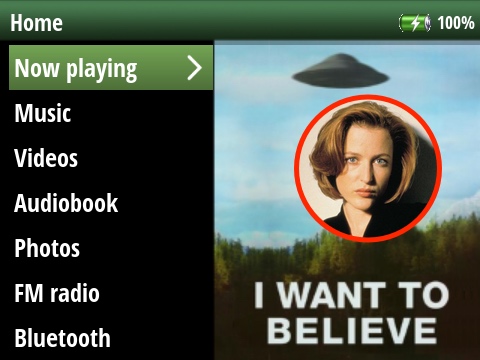 |
XFilesA theme inspired by the TV series. The truth is out there. |
|
|
 |
YellowSubA theme inspired by the 1960's Beatles movie. |
|
|
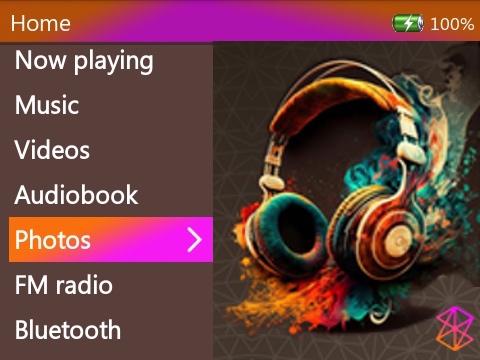 |
ZuneY (supports 3.0.7)A theme inspired by the visuals of the Microsoft Zune. |
|
|
Links to other resources
coming soon